A HOUSEHOLD HOW-TO · COMMUNICATION
Choose a backup way to hear emergency warnings.
October 9 edition · Published October 9, 2026 · 5-minute read
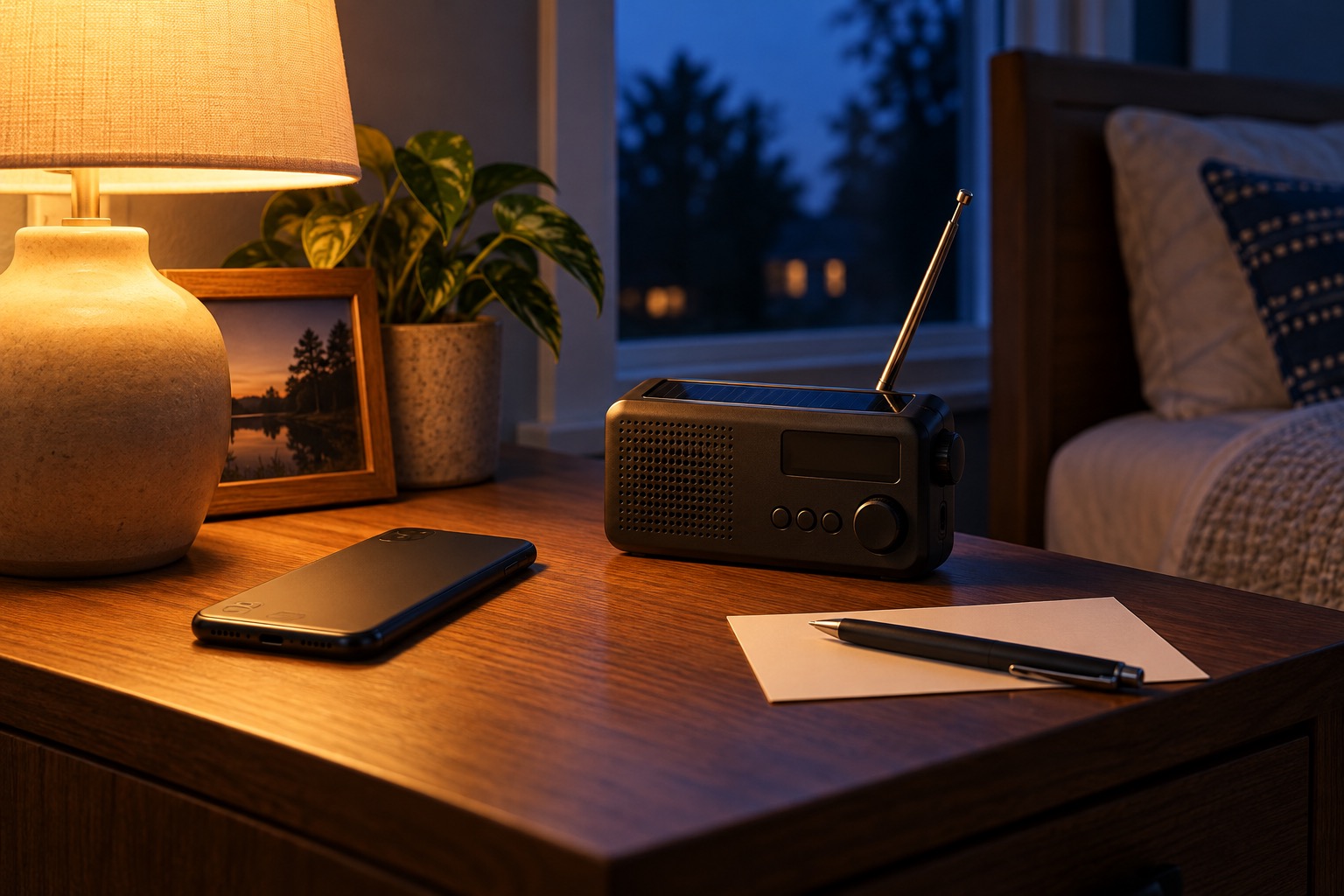
Imagine your phone is charging in another room when a warning arrives overnight. A weather app is useful, but its battery, settings and the device itself are part of the plan. Start with the phone you own, then choose another route your household can actually use. This is an advance-planning scenario, not a live alert.
1. Start free: check the phone you already carry.
Use the manufacturer’s or carrier’s current instructions to find emergency-alert settings and confirm the relevant alerts are enabled. Menu names differ by device. Wireless Emergency Alerts are government messages delivered through participating mobile carriers to capable phones; they do not require a weather app or a signup. A settings check is not a reception test and does not guarantee delivery. Ask your carrier about device compatibility if the setting is absent or unclear.
2. Find the official local signup separately.
Visit your city or county’s official website and look for emergency management or public safety notifications. Follow that agency’s enrollment instructions, including which locations and contact methods it supports. Local opt-in calls, texts and emails complement WEA; they are not the same service. Keep any personal contact or address information in the agency’s own enrollment process. Ready Before Dark does not need it. Do not assume joining one list covers every nearby jurisdiction.
3. Choose a second device and warning route.
Write down one other route you already have: a NOAA Weather Radio receiver with an enabled warning alarm, configured for your area, or local broadcast radio or television you can receive while actively monitoring. NOAA Weather Radio carries official warnings, watches, forecasts and other hazard information. Ordinary AM/FM radio does not automatically receive NOAA weather-band broadcasts; it can provide local station coverage. For an overnight backup, check that the device has an enabled alert function your household can notice while asleep. A radio or TV you must turn on is a way to monitor information while awake; it does not fill that overnight notification gap. Two apps on one phone still share that phone’s battery and hardware. This is a practical dependency check, not a claim that any channel is failure-proof.
If you own a weather receiver, consult its manual and your local NWS station and coverage information to set it up for where you live. Confirm you can hear its broadcast in the place you intend to keep it. Hearing the broadcast confirms reception at that moment; it does not prove that the warning alarm will activate. Follow the manual for alert settings and backup power, and consult local NWS instructions for scheduled tests. Do not manufacture an alert or call emergency services to test reception. If you have no usable second route yet, mark that gap rather than checking it off as complete.
4. Make the plan work for the people in the house.
On paper, write the warning route, device location, power dependency and the person who will check it when conditions warrant. Ask whether each person can notice and understand the notification, including anyone with hearing, vision, language or other access needs. Use the official agency and device instructions for supported accessibility features; a tone alone is not a complete plan for everyone. Recheck the plan after moving, replacing a phone or changing the receiver’s location.
5. Know when to stop the practice.
When an actual emergency alert arrives, follow the protective action it gives and current local official instructions. Do not wait for a second device to agree before acting. NWS sends selected critical warnings through WEA; the lack of a phone alert does not establish that conditions are safe. Obtain more details from official weather information or trusted local broadcast coverage when you can do so without delaying the required action.
Phone-save recap
Check the phone. Find the official local signup. Name a second device and route. Check reception and power as instructed. Write down who uses it. Follow an actual alert immediately.
Sources and review
Current NWS Wireless Emergency Alerts and Warning Dissemination guidance opened October 9, 2026. The paper dependency check is our organizing suggestion. No specific product is recommended or linked: checking existing settings and naming a real backup are the free first actions. The generated image is illustrative; it does not certify a receiver, its alarm function or its placement.
- NWS: Wireless Emergency Alerts
- NWS: Warning Dissemination
- NWS: NOAA Weather Radio receivers and alarm capabilities
- American Red Cross: Tornado preparedness and alert planning
What does your household already have?
Use the free household quiz. Answers stay in your browser.
Take the quiz →