A HOUSEHOLD HOW-TO · EVACUATION
Plan a flood-route backup before you need to leave.
October 10 edition · Published October 10, 2026 · 5-minute read
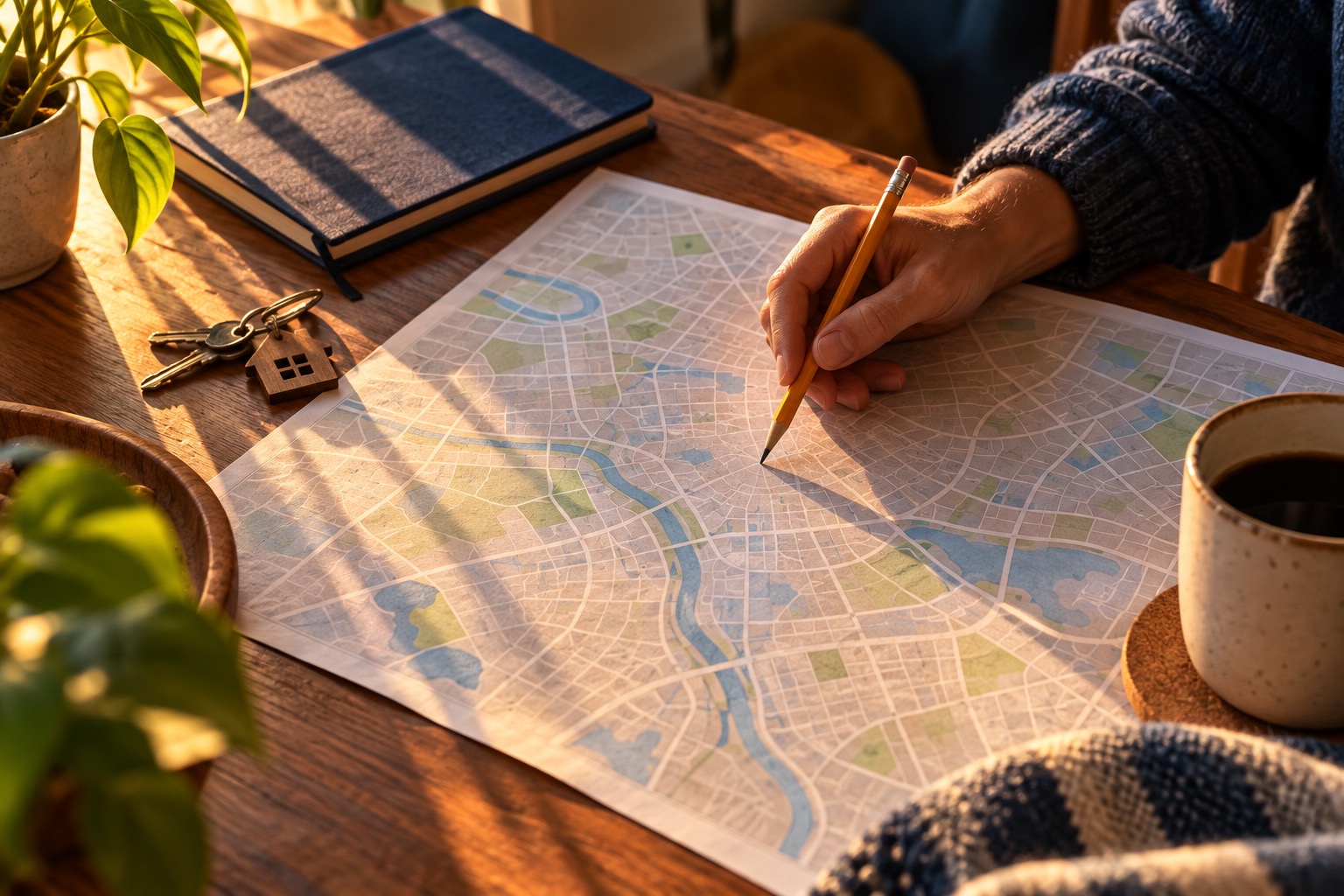
Imagine a familiar road is closed where it dips toward a creek. A saved map can help you ask better questions before an emergency, but it cannot tell you that a road is safe now. Make a candidate plan at home, then let official evacuation instructions and current closures decide the real trip. This is a hypothetical planning exercise, not a live flood alert.
1. Start free with a familiar route.
On paper or a map you already use, trace your usual route to a destination outside the area you may need to leave. Mark low crossings, underpasses and places you know have flooded before. Do this from home; do not visit a crossing to inspect floodwater. A map may omit a hazard, so leave uncertain spots marked as questions rather than declaring the route safe.
2. Find the official instructions before drawing the backup.
Use your city or county’s official emergency-management website to find evacuation-zone and route information where available. Save the official transportation or road-closure source it directs you to. Ask the agency how to plan if you need transportation or assistance. No generic website can choose a safe local route for every household. Write down the source name and how to access it without collecting private addresses in a shared document.
3. Choose a candidate alternative and destination.
Using official planning information, identify an alternative that does not depend on the same low crossing as the first route. Use local flood-risk guidance to choose the destination; being outside an evacuation area alone does not establish safety. Flood situations differ: flash-flood planning may require reachable higher ground, while river and coastal evacuation instructions may specify different routes and destinations. Confirm your planned destination’s arrangements in advance, including pets and access needs. A friend’s address, hotel or shelter is not guaranteed available during an event. Do not assume a road drawn on a map is open, dry or suitable for your vehicle. If there is no clear alternative, make that an unresolved question for local officials rather than improvising through a flooded area.
4. Make the plan usable when the phone is unavailable.
Write the candidate route and destination on paper and keep it with your contact card. If your existing map app supports an offline map, follow its instructions to save the relevant area. Offline maps may help orientation but do not provide current closure information. Record who will drive or arrange transportation, what help is needed and where everyone meets. Recheck after a move or a major road change.
5. Follow the real conditions, not the rehearsal.
Flash floods can develop with little or no warning. Plan in advance for a place on higher ground you can reach before flooding begins, and follow the protective instructions in an actual warning immediately. If officials direct evacuation, follow their instructions promptly; do not delay leaving to finish this checklist. Never drive or walk into floodwater, and never go around a road barrier. Water can hide a washed-out road. Do not use depth estimates, vehicle size or another driver’s crossing as permission to proceed. If your candidate route is closed, follow official alternatives; do not invent a shortcut through floodwater. If you are trapped or in immediate danger, contact emergency services when able and follow their directions.
Phone-save recap
Mark the low crossing. Save the official instruction source. Name a candidate alternative and destination. Keep a paper copy. Real instructions and closures override the map. Never enter floodwater or bypass barriers.
Sources and review
NWS flood-crossing safety and American Red Cross flood guidance opened October 10, 2026. Map marking is our organizing exercise, not a certified evacuation route. No product is selected: the first action uses an existing map and paper.
What does your household already have?
Use the free household quiz. Answers stay in your browser.
Take the quiz →